

Who it is for
Bargeplanner for planners
Replace your loose Excel files and whiteboards with one visual planning system. Creating a shift is a matter of clicks, and Bargeplanner keeps all the statistics for you.
Click and the shift is in
Click a day, pick the vessel, rank and employee, add, done. Giving it your own colour is no problem.
One visual overview
Plan per vessel or per employee and set up as many crews per vessel as you need.
No more counting by hand
You used colours in Excel too. But counting is over: Bargeplanner keeps all the statistics for you.
Creating a shift is a matter of clicks
Click a day in the planning, pick the vessel, rank and employee, and the shift is in. Bargeplanner immediately checks for conflicts and shows open shifts in red.
- Click to add, with your own colour
- Automatic conflict checking
- Open shifts stand out in red
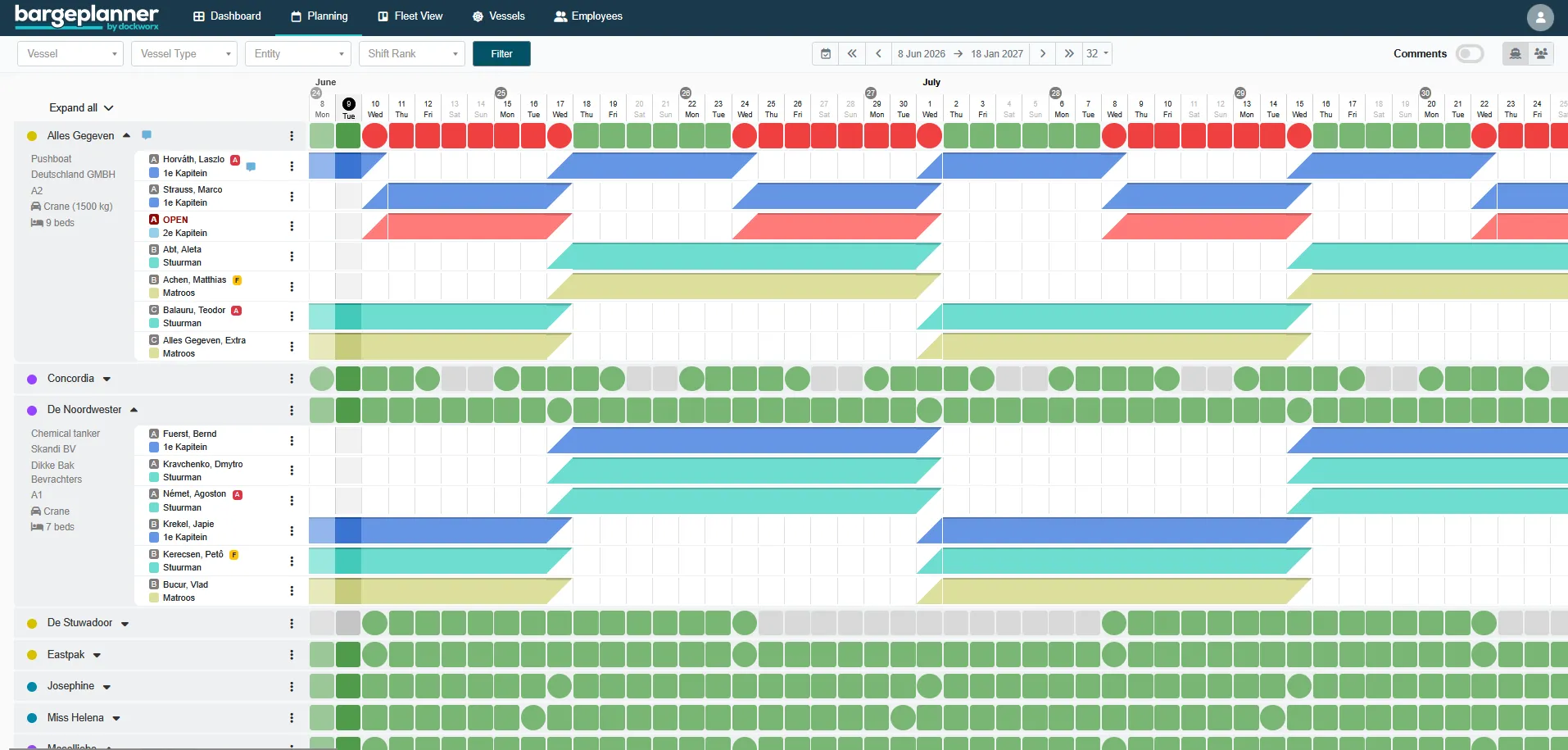
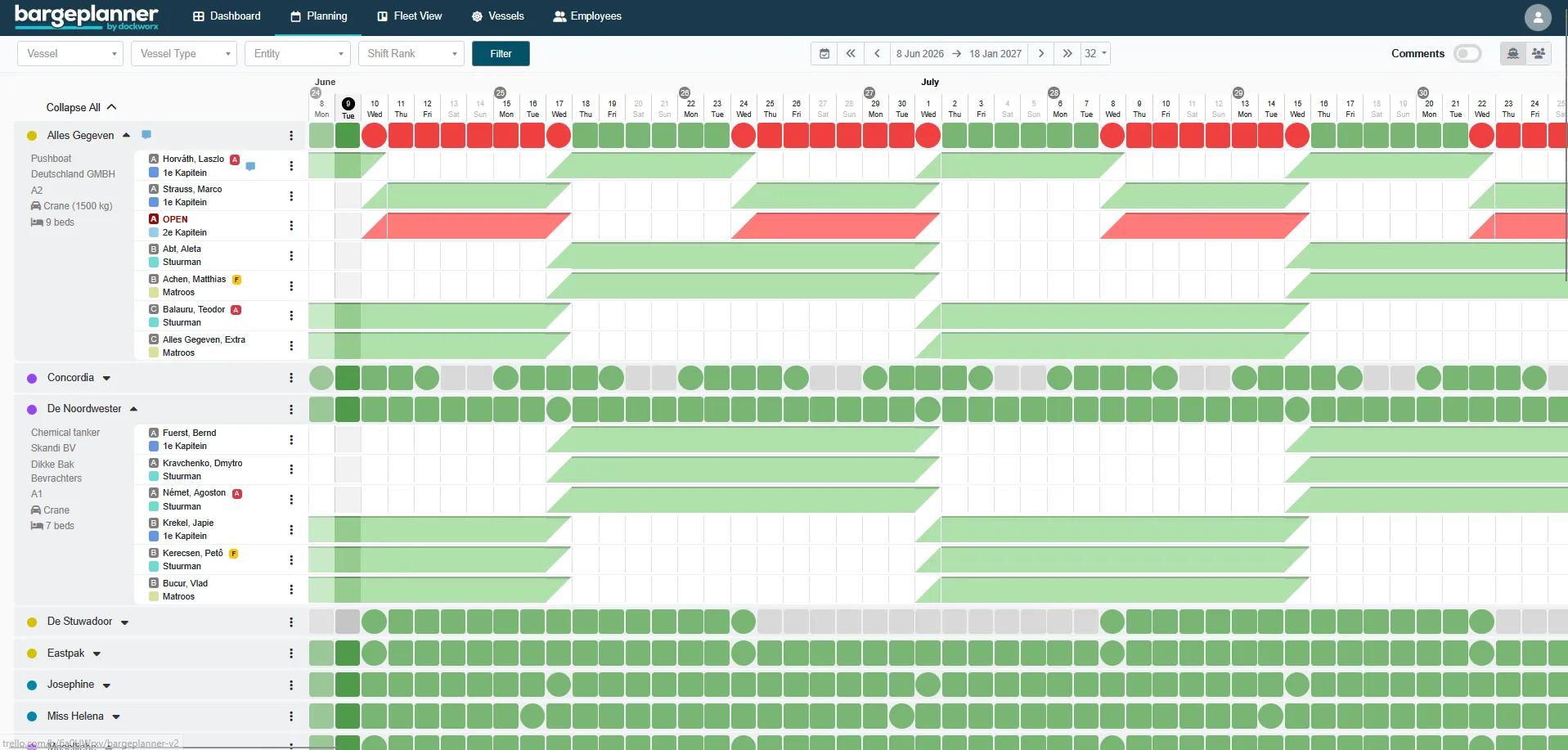
Colours per rank
More than just planning
Dashboards
Birthdays, crew changes, expiring documents, open shifts and upcoming conflicts in one overview.
Statistics for work and leave
Days worked and your employees’ plus and minus days are tracked automatically. Exporting to Excel is always possible.
Experience built up
Bargeplanner automatically builds up each employee’s experience, per vessel and per rank. So you always find the best fit for a shift.
Ready to get your planning organised?
Request a demo and see what Bargeplanner can do for you.
Request a demo